Quality image generation and editing with support for reference images
Frequently asked questions
What is FLUX.2 Dev and who made it?
FLUX.2 Dev is a 32-billion-parameter image generation and editing model developed by Black Forest Labs. It is available on CRAISEE via Replicate and supports text-to-image generation, image editing, and multi-reference image blending within a single unified model, making it suitable for creators, designers, and product teams.
What can FLUX.2 Dev do that other AI image models cannot?
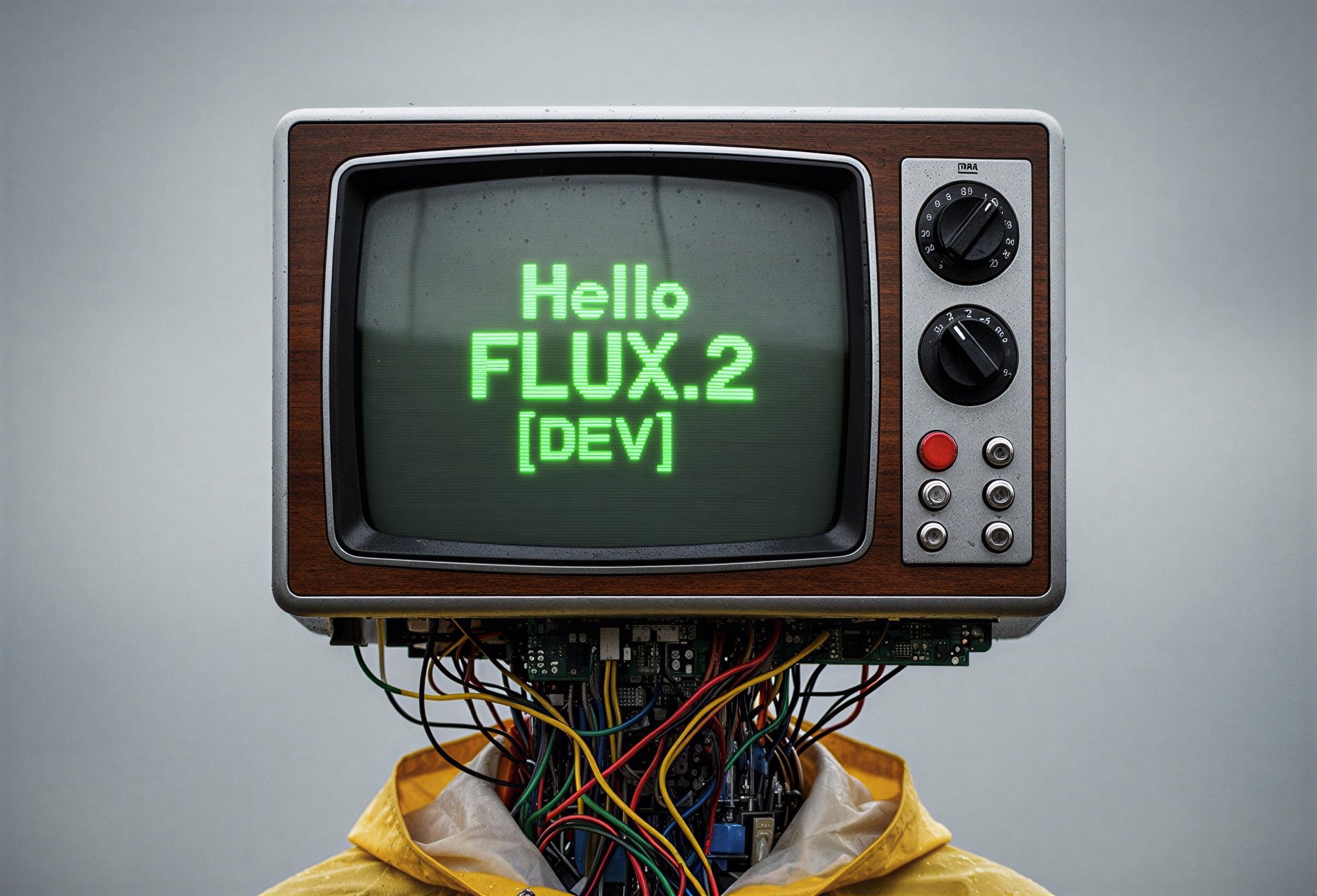
FLUX.2 Dev stands out by combining text-to-image generation, targeted image editing, and multi-reference blending (up to 4 images) in one model. It also reliably renders legible typography inside generated images — a capability most diffusion models handle poorly — and supports flexible aspect ratios and multiple export formats.
How many reference images can FLUX.2 Dev use at once?
On CRAISEE, FLUX.2 Dev accepts up to 4 input reference images simultaneously. This enables consistent character appearance, product details, or visual style across compositions without requiring any model retraining, making it highly efficient for brand-consistent creative workflows.
Does FLUX.2 Dev require fine-tuning to produce consistent results?
No. FLUX.2 Dev is purpose-built to deliver consistent character appearance, brand elements, and photorealistic output without additional fine-tuning. Its multi-reference image blending capability allows up to 4 reference images to guide outputs, eliminating the need for custom model training in most use cases.
What image formats and aspect ratios does FLUX.2 Dev support?
FLUX.2 Dev exports images in WebP, JPEG, or PNG formats with configurable compression quality. It supports a wide range of standard aspect ratios including 1:1, 16:9, 9:16, 3:2, and 4:3, as well as fully custom dimensions, giving creators flexibility for various platforms and use cases.
What is guidance distillation in FLUX.2 Dev?
Guidance distillation is a technique used in the FLUX.2 Dev variant to accelerate inference speed compared to standard models of similar scale. It achieves faster image generation without significant quality loss, making FLUX.2 Dev more efficient for production workflows that require rapid iteration or high-volume output.
What are the best use cases for FLUX.2 Dev on CRAISEE?
FLUX.2 Dev is best suited for product photography and mockups, editorial image creation, brand-consistent visual content, and any project requiring photorealistic quality with editorial control. Its image editing mode also makes it ideal for targeted modifications to existing images while preserving unmodified regions with high fidelity.
Can FLUX.2 Dev edit existing images?
Yes. FLUX.2 Dev accepts an existing image as input and applies targeted modifications based on a text prompt. It preserves unmodified regions with high fidelity and supports input images up to 4 megapixels, making it a powerful tool for precise, prompt-driven image editing without full regeneration.